


Cart
Your shopping cart is empty!
It's never too late to make things right :)
-228x228.JPG)
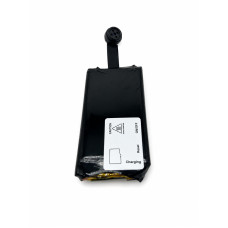
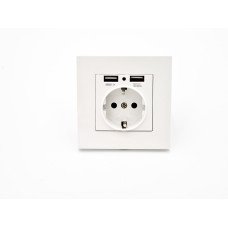
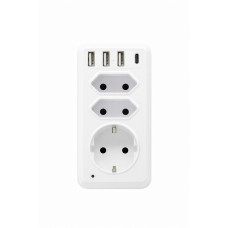
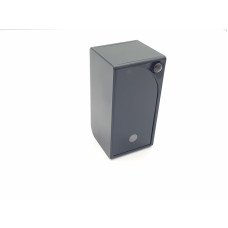
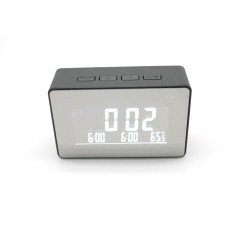
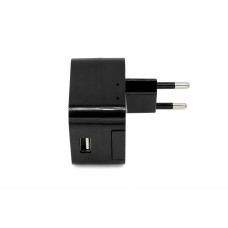
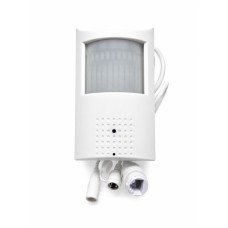

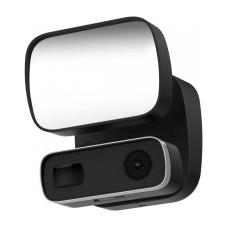
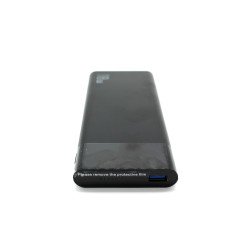
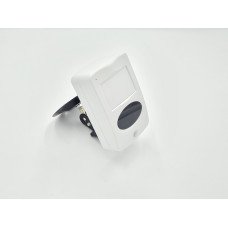
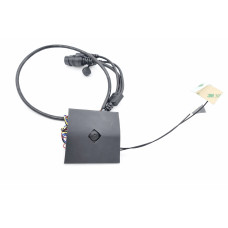
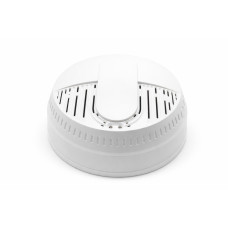
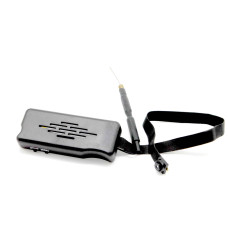
With a covert IP camera, live video can be streamed directly to your smartphone. If you want to know what is happening right now at the location where your IP spy camera is installed, simply open the app connected to your camera and watch the live footage remotely. Some IP cameras also feature motion detection. When motion is detected, the hidde camera sends a notification to the connected smartphone. This is particularly convenient because you do not have to repeatedly open the app just to check whether anything is happening in the monitored area. When activity is detected, the mini camera can notify you automatically.
IP surveillance cameras can operate via Wi-Fi or a SIM card. A hidden Wi-Fi camera connects to a router, so a router with a constant internet connection must be available at the location where the camera is installed. A secret camera with a SIM card does not require a router. Simply insert a SIM card with an active mobile data plan into the camera. This makes it a convenient option for locations where Wi-Fi or a router is not available.
IP cameras can be useful in a variety of situations where remote monitoring is required. For example, they can allow you to check on your home while a cleaner, babysitter, or other service provider is there. Many people prefer cameras with a discreet design. For example, an IP Wi-Fi camera integrated into a motion detector can blend naturally into its surroundings and look like a regular motion sensor. IP cameras can also be used for security monitoring, keeping an eye on property, checking on pets, or monitoring other areas when you are away from home.
You can learn more about the benefits and applications of IP spy cameras on our website or by contacting us using the phone numbers provided. We can help you choose a camera based on your individual requirements and intended use.
Yes. Remote access to recorded footage is possible with compatible camera models. In many cases, recordings are stored on an SD card and can be accessed through the camera's dedicated app.
In this situation, you can use a portable router or choose a camera with local recording capabilities. Alternatively, you can select a camera with SIM card support. Simply insert a SIM card with an active mobile data plan into the camera to access live video remotely.
Depending on the camera model, live video can usually be viewed through a dedicated app on your smartphone or via specialized software on a computer. The required application may vary between models, and the specific app or software name is provided in the instruction manual included with the camera.


